
Rectangle 68

Asset Tags and Labels for Equipment Tracking

Manage your inventory with durable asset tags and custom asset labels. Cheqroom labels come in a range of shapes and sizes, and you can add your logo to match your brand. Scan a barcode, QR code, or RFID tag to identify any asset in seconds.

Asset Tags & Labels for Better Identification

Asset tags help your team take control of company equipment. Use Cheqroom's asset labels or your own existing labels to track every item. Every scan feeds the AssetOps platform: who has it, whether it's ready, and what's next.

Identify Equipment Instantly

Scan an asset tag to see an item's location, condition, and availability.

Check Out Equipment Faster

Scanning items lets you check out equipment in seconds.

Tag it, Track it, Manage it

Print custom asset labels and manage every item from one place.

Image square
Shooting studio for photographer and creative art director with production crew team setting up t20 Y Ev7z R 2

Flexible Equipment Scanning

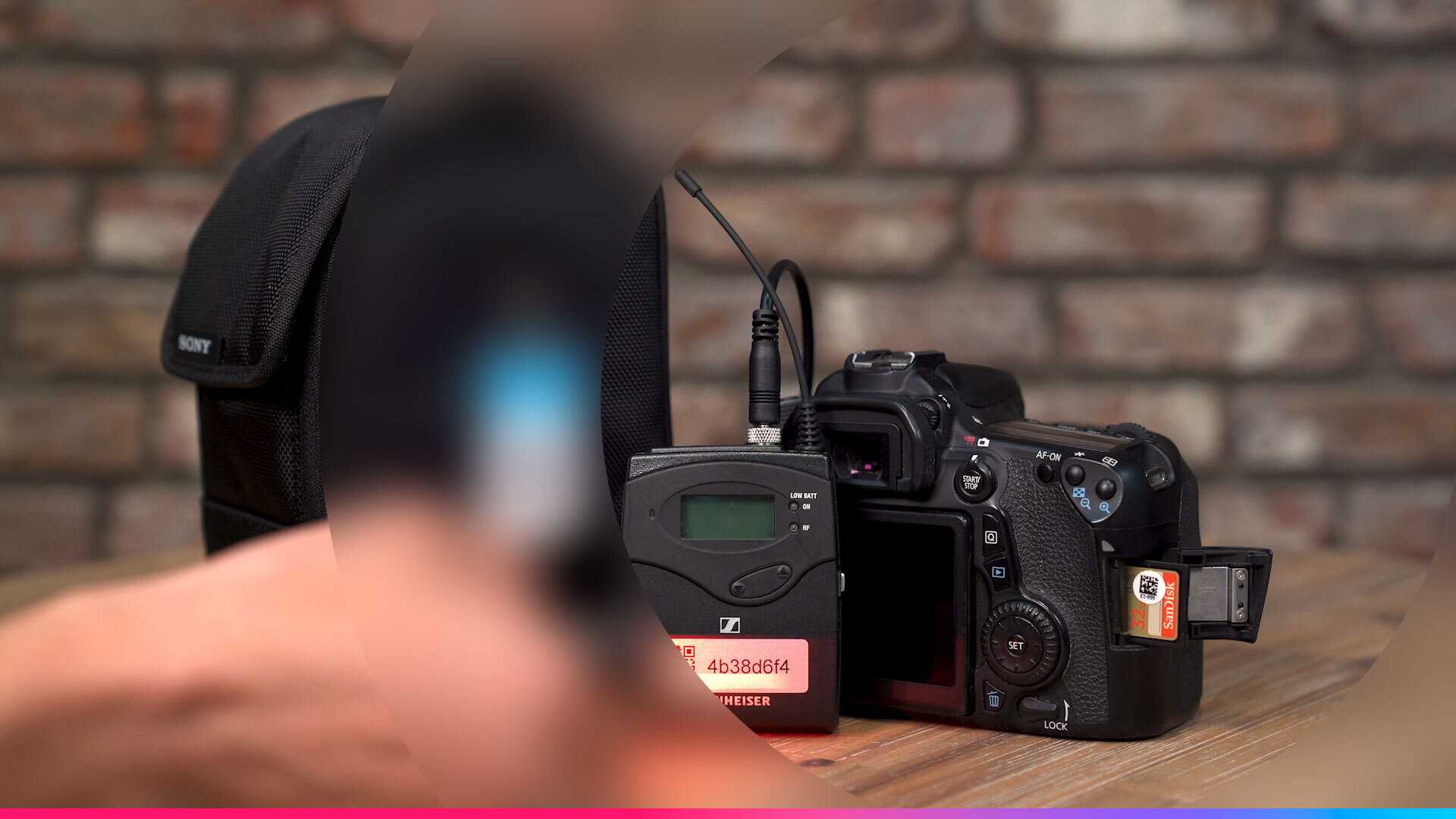
Track high-value assets and see where they were last scanned. Use the Cheqroom mobile app's built-in scanner, a USB scanner, or a Bluetooth scanner. For bulk scanning, Cheqroom also supports RFID.

Choose Your Asset Tags

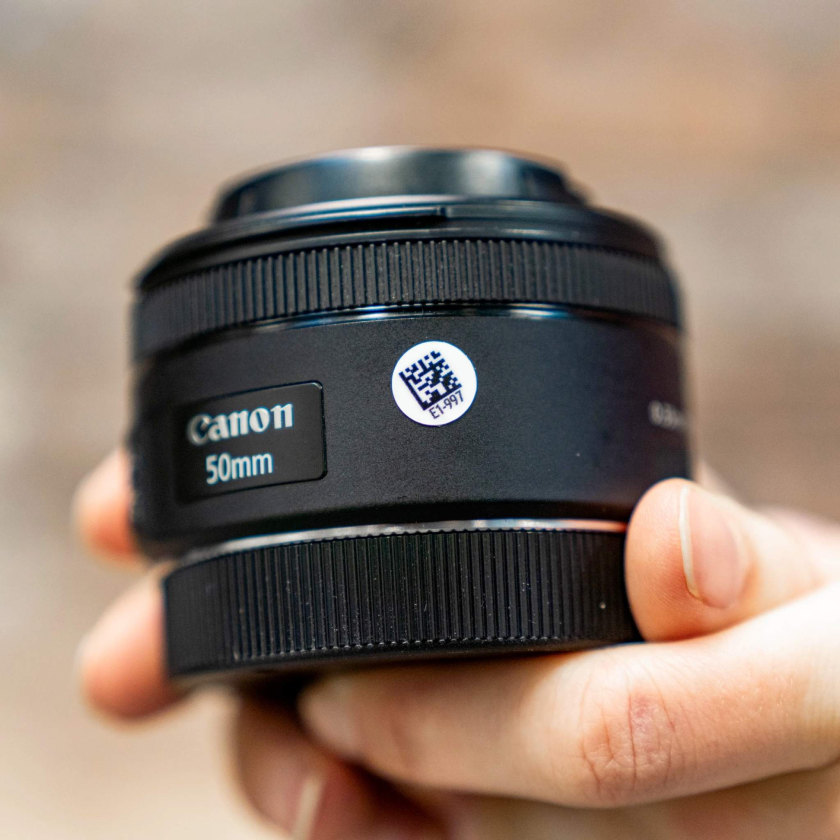
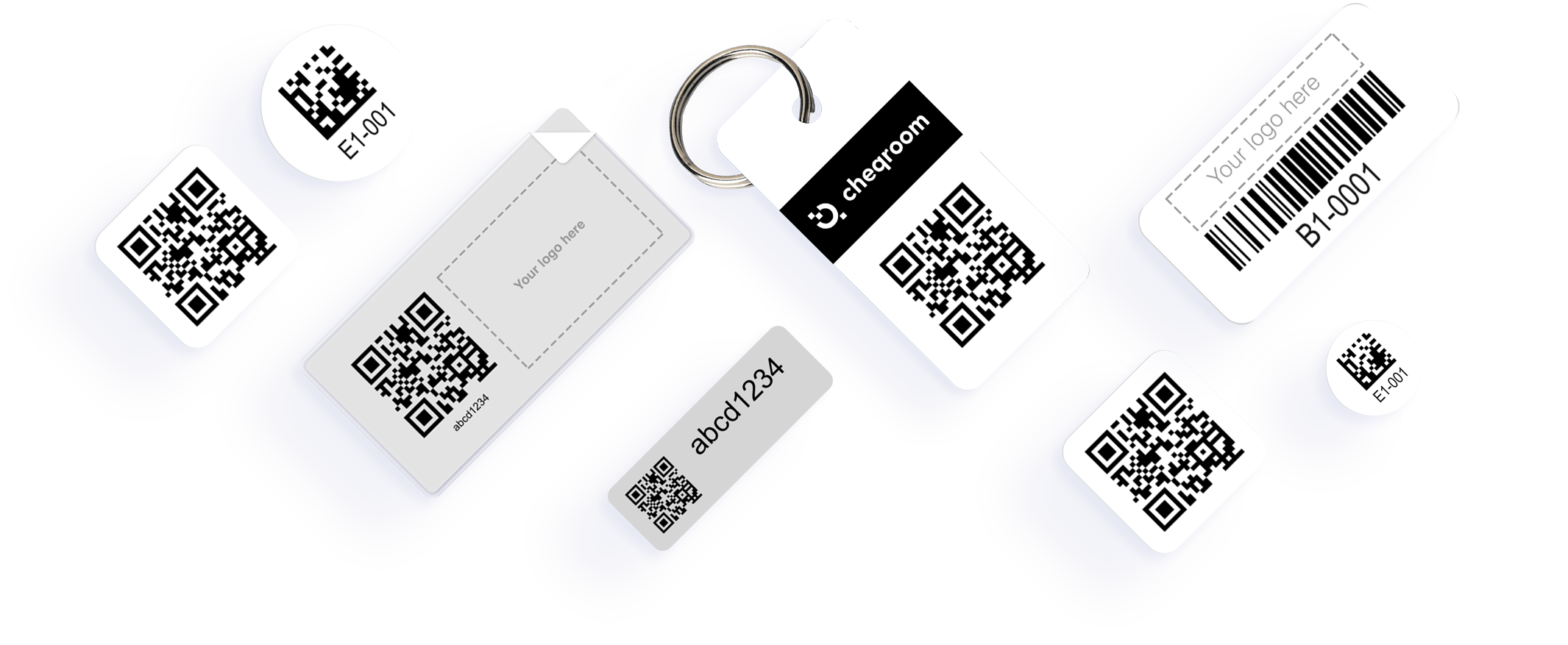
Use your existing barcodes or QR codes, or choose from a range of durable asset labels in our store, including custom asset labels with your logo.

Asset Tag overview Image4
Image square 1

Print Labels Yourself

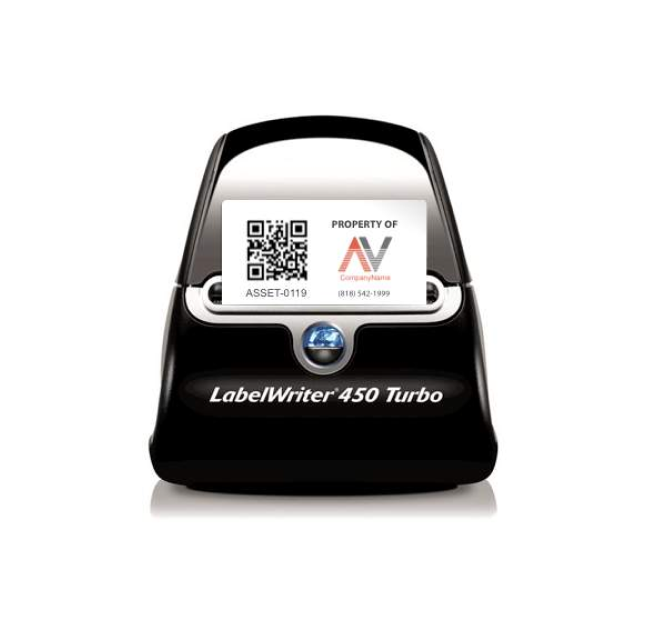
Use Cheqroom to create your own asset labels for any equipment, including IT gear. Print them on a DYMO LabelWriter, a Zebra printer, or plain Avery-style label sheets.

Call to action - light grey

Buy Your Asset Tags

Label your gear in just a few clicks

  • An asset tag is a durable label with a unique barcode, QR code, or RFID chip that you attach to a piece of equipment. When you scan the tag in Cheqroom, you instantly see the item's location, condition, availability, and history, so your team can track equipment without spreadsheets.
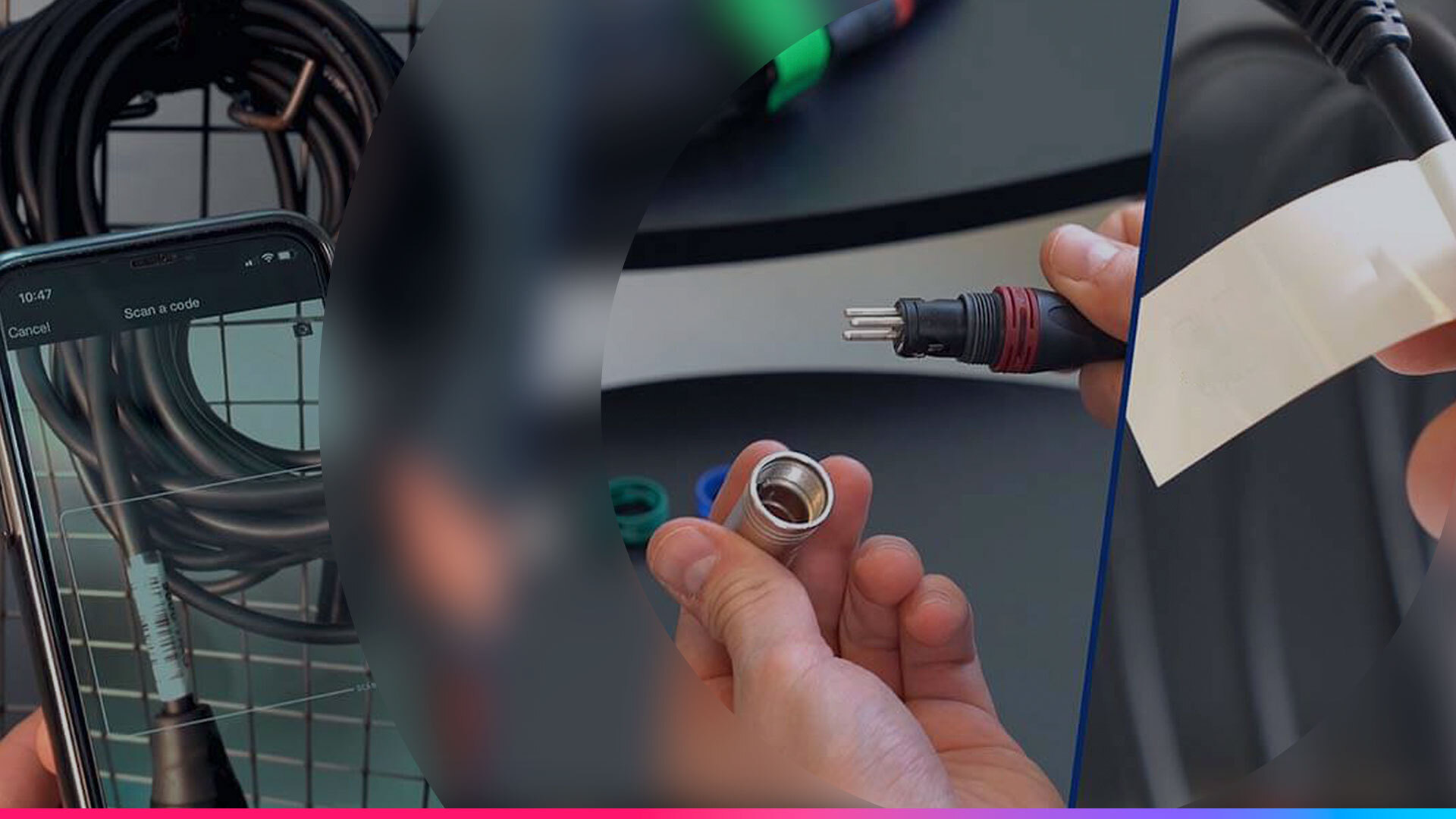
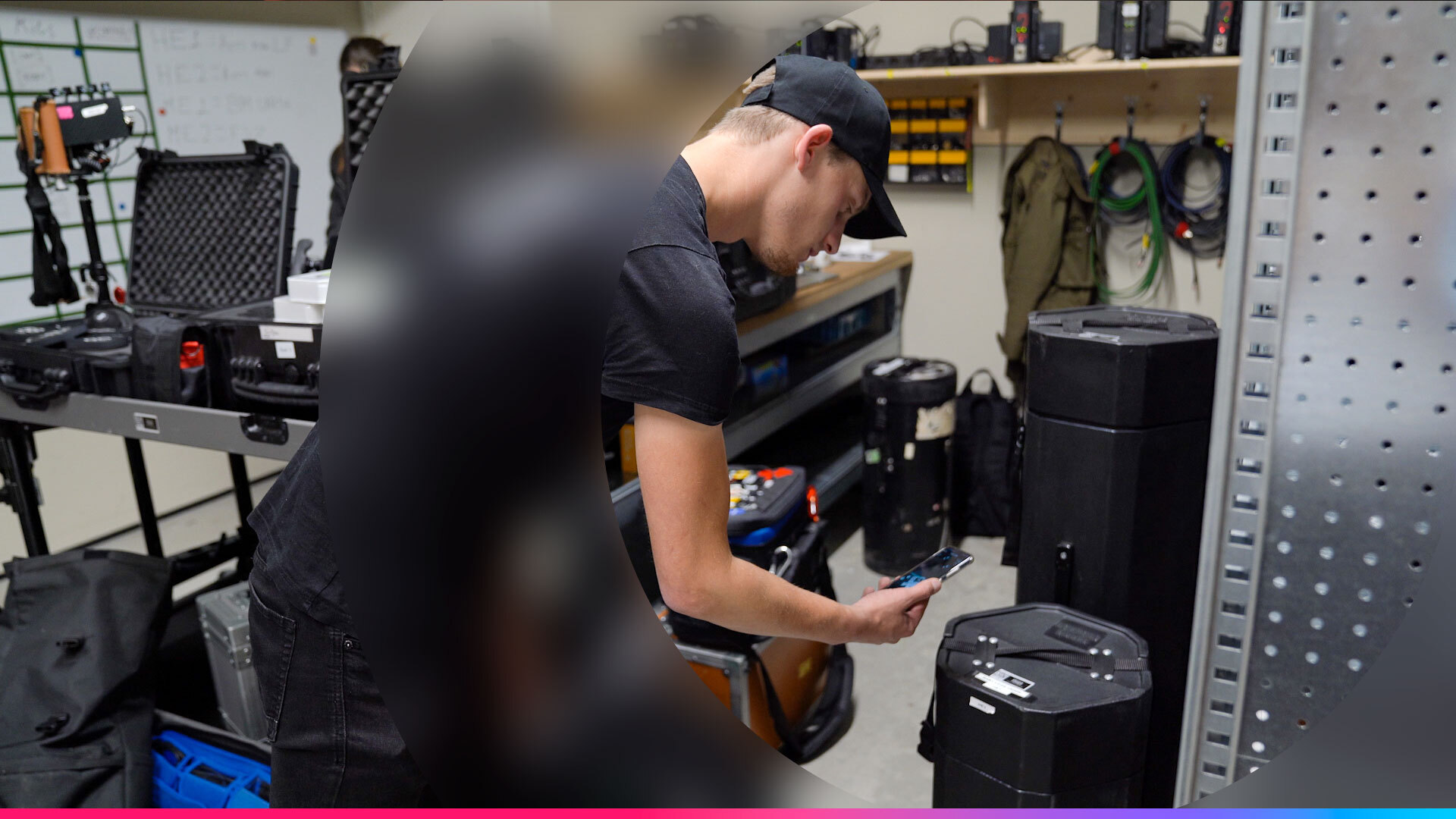
  • Yes. Cheqroom supports your existing barcodes and QR codes, and you can also add custom barcodes or have Cheqroom generate QR codes automatically for new equipment. You can add your codes by import or manually, and you can test them first with the built-in scanner in the free Cheqroom mobile app.

  • Yes. Cheqroom generates a unique QR code for every item you add, and you can print labels directly from your account using standard or custom label templates.

    Print on a DYMO LabelWriter (most of our clients have had good experiences with DYMO 450 and 550 LabelWriters), a Zebra printer, or plain Avery-style label sheets. Printing your own labels works well if you add new equipment often.

  • Yes. You can order custom asset labels with your company logo from the Cheqroom Asset Label Store. Customizable options include Tiny Labels, Mini Labels, Small Protected Labels, and Key Tags. Upload your logo when you order, and we'll produce the labels for you. You can also design your own custom asset labels in Cheqroom and print them on a DYMO LabelWriter, a Zebra printer, or Avery-style label sheets.

  • You can scan asset tags with the Cheqroom mobile app's built-in camera scanner, a USB scanner, and/or a Bluetooth scanner. Scans can also record GPS location, which helps during audits and spotchecks.

  • When you import your equipment list or add an item, Cheqroom automatically generates a unique QR code for it. If you want to use your own existing codes instead, add them by import or manually and turn off the QR code generator in Settings.

  • Cheqroom asset labels are built to stay on equipment that gets packed, shipped, and handled every day. Our PVC labels (Tiny, Mini, and Dot) last 10 to 12 years indoors and 5 to 7 years outdoors. Protected Labels use polyester with a permanent rubber-based adhesive, and Destructible Labels use tamper-resistant metallized vinyl to prevent tampering. Cable Labels self-laminate with a clear overlay to protect the code. For bags and kits, Plastic Key Tags come with metal rings.

  • Cheqroom asset labels come in several sizes for everything from SD cards to camera cases:

    Baby Labels (0.375" x 0.375"), Dot Labels (0.375" round), Mini Labels (0.75" round), Tiny Labels (0.6" x 1.4"), Cable Labels (1.0" x 0.75"), Destructible Labels (1.73" x 0.6"), Medium Protected Labels (2.15" x 1.15"), and Plastic Key Tags (2.12" x 1.12") for bags and kits.

  • We recommend using a custom barcode for each item you track in Cheqroom. Keep in mind that manufacturer barcodes identify a product model, not your specific unit, so identical cameras often share the same code. Using that barcode will create duplicates in your inventory. To track each item individually, give every piece of equipment its own unique Cheqroom code or custom barcode.