





Cheqroom university lab gear how it works
See How Cheqroom Works
Every Asset, Every Workflow, One Operating System

"Where is it?" "Who had it last?" "Is it broken again?" If your team asks these every week across spreadsheets, sign-out sheets, and text threads, you're not alone. Cheqroom gives every team one place to reserve, check out, track, and maintain the gear they depend on, so you always know where it is, who has it, and whether it's ready for the next job.

See what’s possible. In just 2 minutes.

Different Gear, Same Problem

Whether it's cameras, laptops, radios, or medical kits, every team asks the same questions: Who has it? Is it booked? Is it ready? See how Cheqroom handles reservations, check-outs, accountability, and damaged gear across the full asset lifecycle.

That's why 1,400+ organizations across media, higher ed, government, sports, and more run their asset operations on Cheqroom.

2min demo thumbnail

What You Can Manage

Everything Your Teams Depend On in One Place.

TL;DR: In Cheqroom, an asset is any physical item your team relies on to get work done: from laptops and lab instruments to power tools and safety gear. If it’s shared, moved, maintained, or needs to be accounted for, Cheqroom can manage it from purchase to retirement.

Most teams are managing more than they realize, tracking it across spreadsheets, email threads, and institutional knowledge. Cheqroom brings it all into one place.

Cheqroom equipment tracking software for camera gear

Equipment & Tools — High-value gear that moves between people, projects, and locations.

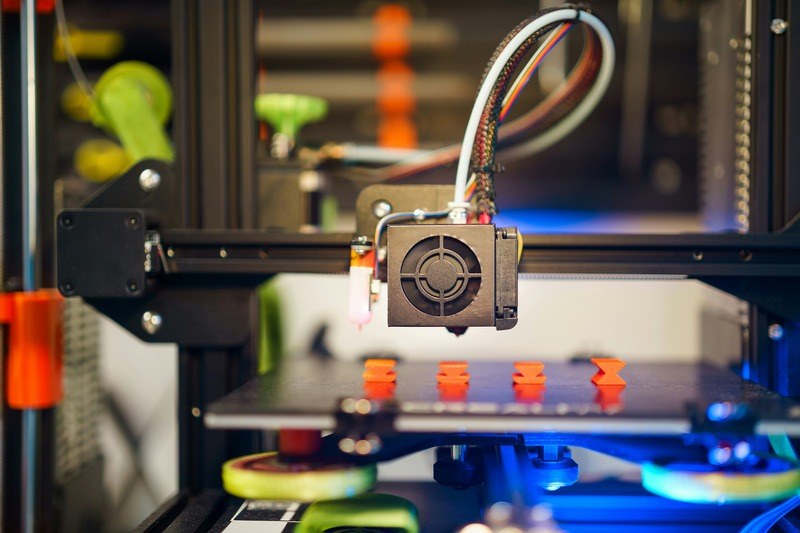
Cheqroom for fixed asset management 3d printer

Fixed Assets — Furniture, machinery, infrastructure. Everything that stays put but still needs tracking and upkeep.

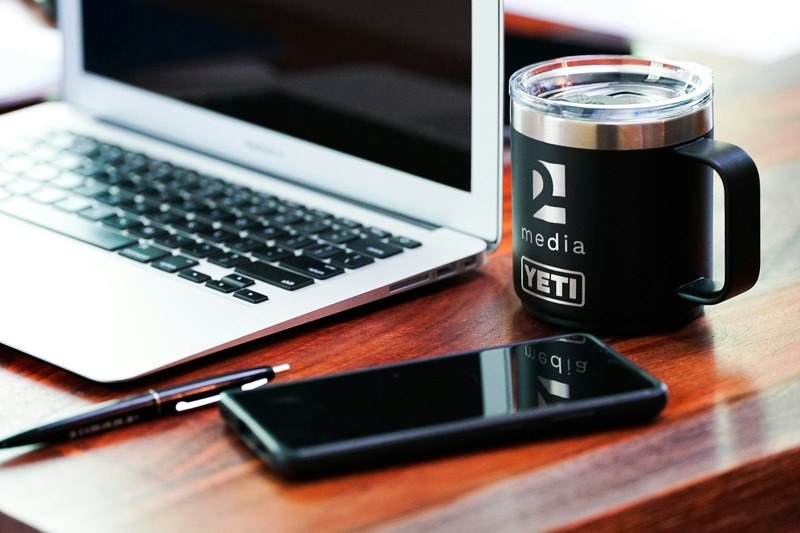
Consumables and branded merchandise tracking with Cheqroom

Consumables — Supplies that get used up, with automatic low-stock visibility.

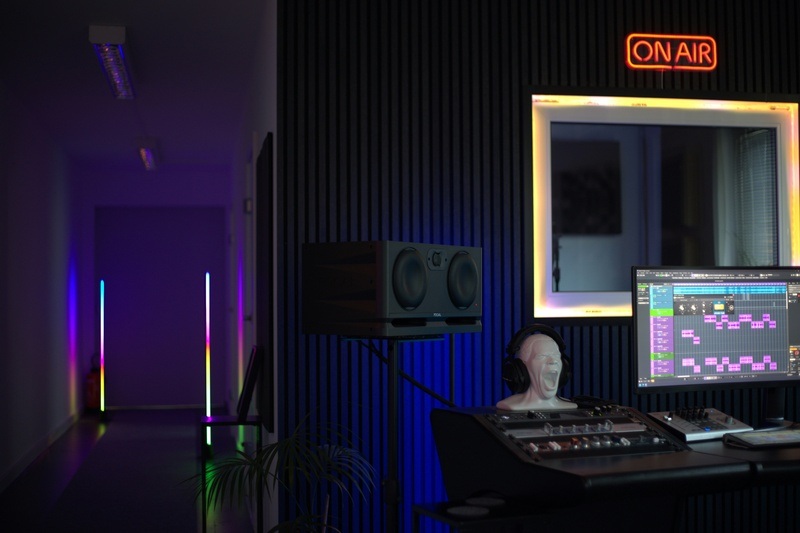
Space Management of recording studio bookings with Cheqroom

Spaces & Rooms — Offices, labs, studios, and facilities. Bookable and managed like any other resource.

Software license tracking with Cheqroom

Software Licenses — Track assignments, renewals, and utilization across your org.

Vehicle fleet management with Cheqroom

Vehicles & Fleet — Scheduling, maintenance, and usage in one view.

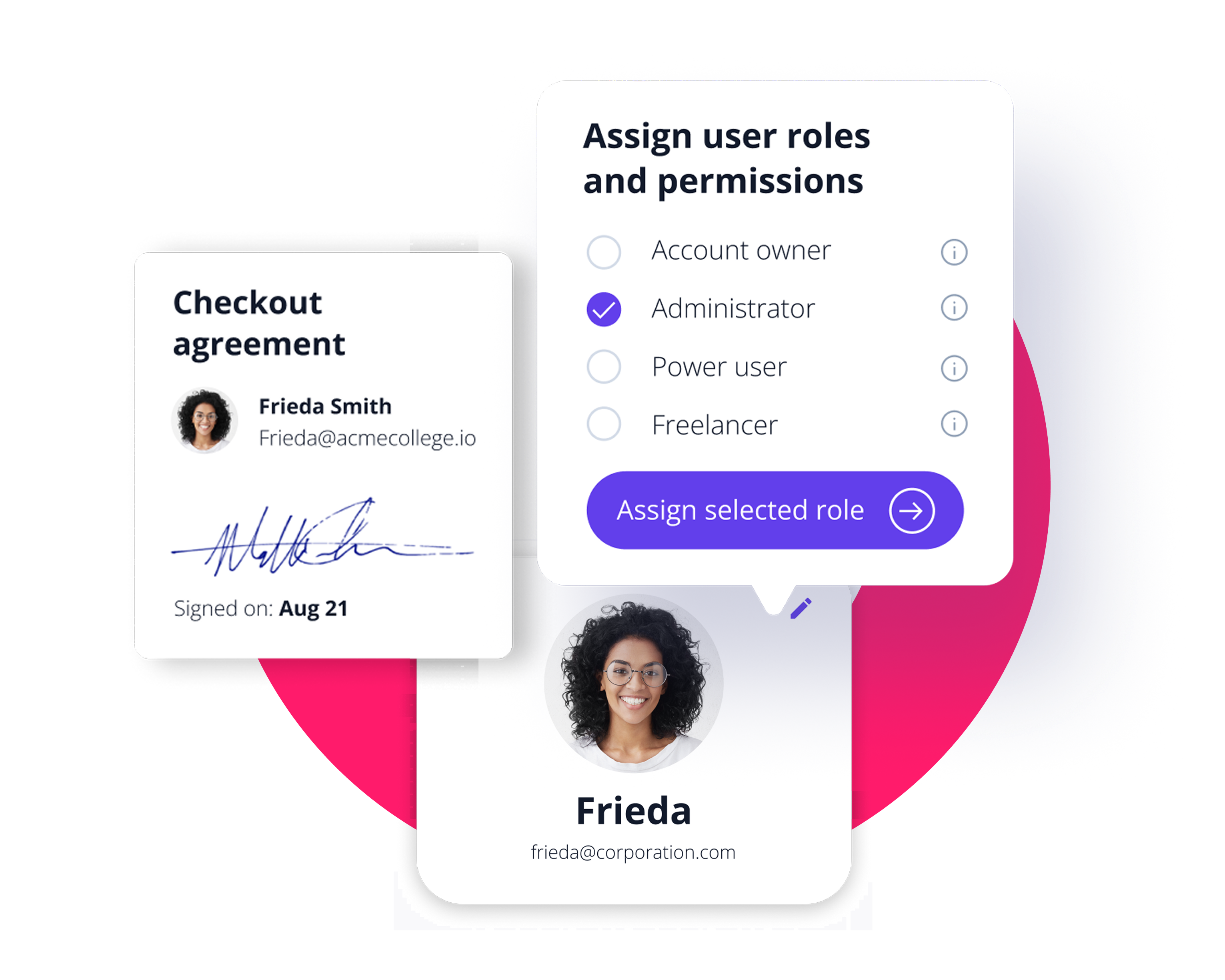
Permissions Cheqroom
Set Up Your Workspace

Your Org Structure. Your Workflows. Your Rules.

No two organizations run the same way. Cheqroom is configurable, so you can set it up to fit your process, not the other way around.

  • Structure by Location, Department, or Team
  • Configure Item Types, Custom Fields, and Rules
  • Set Up Request Templates
  • Assign Roles and Permissions

How Work Gets Done

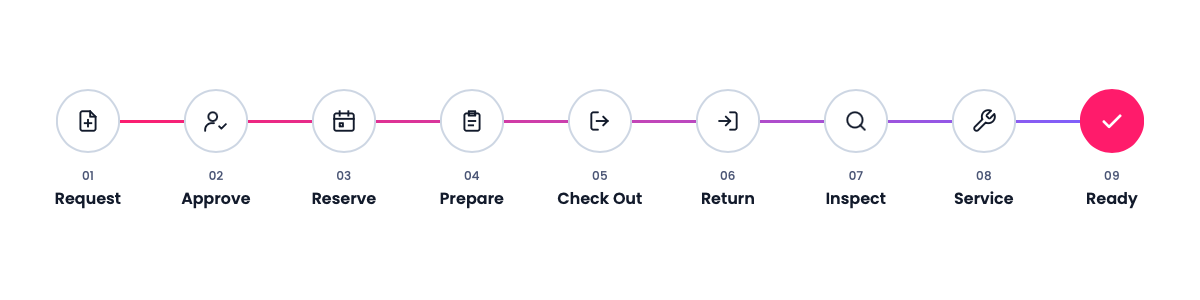
From Request to Ready. Every Step Covered.

Cheqroom connects the people who need equipment with the equipment that's available, and keeps a complete record of everything that happens along the way.

Nine steps of the lifecycle Cheqroom
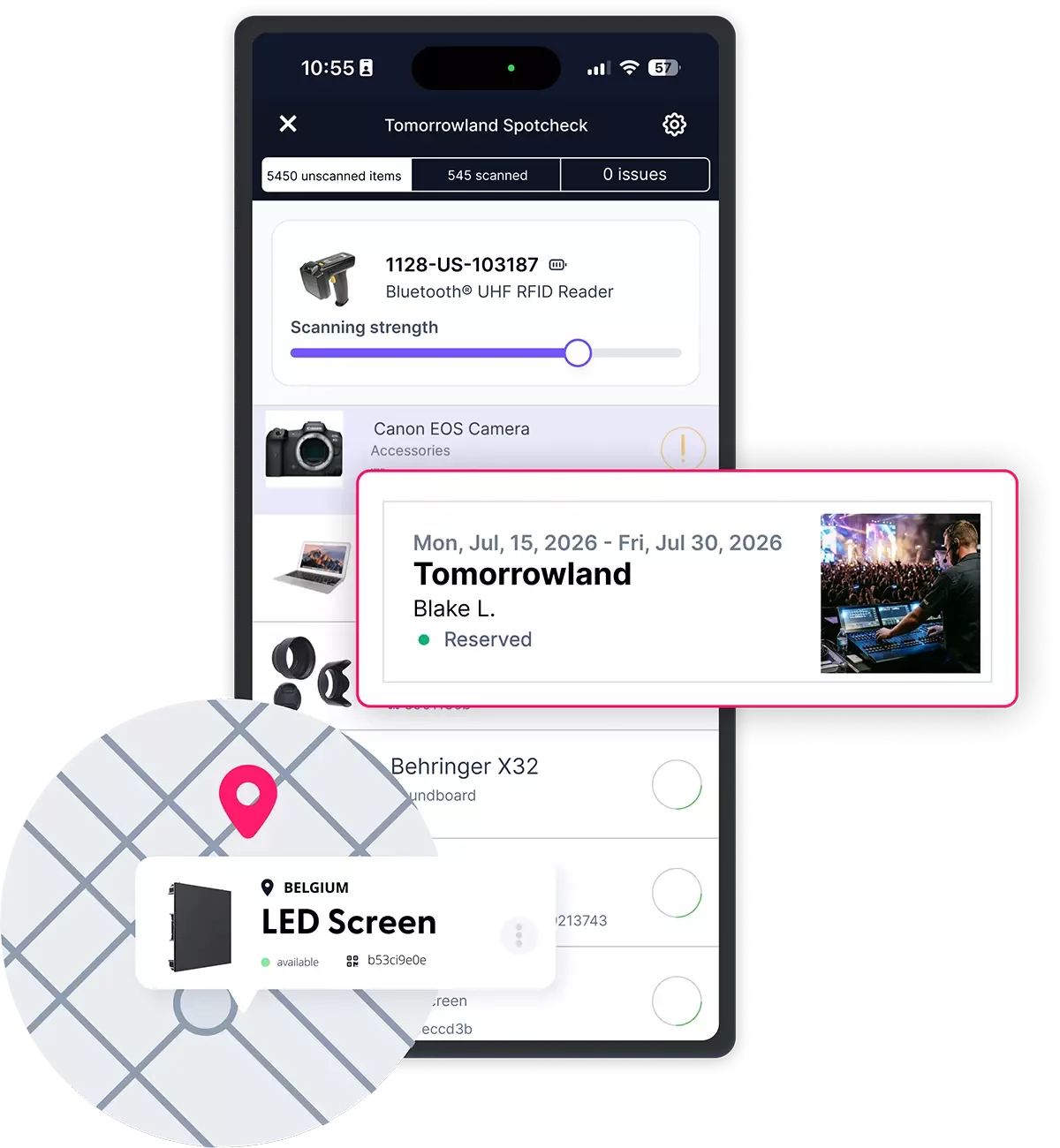
Events: Onsite Asset Tracking
Request - Approve - Reserve

Before the work: "Will we have what we need?"

  • Request: Anyone can ask for equipment through a self-service booking portal, with no Cheqroom admin account needed. They pick what they need and the dates, and the request goes straight to your team.
  • Approve: Admins review each request and approve, edit, or deny it. Add approval steps for high-value gear, so nothing leaves without the right sign-off.
  • Reserve: Once approved, the request becomes a reservation. Book on the web or in the mobile app, with real-time availability that helps you avoid double-bookings and surprises on the day.

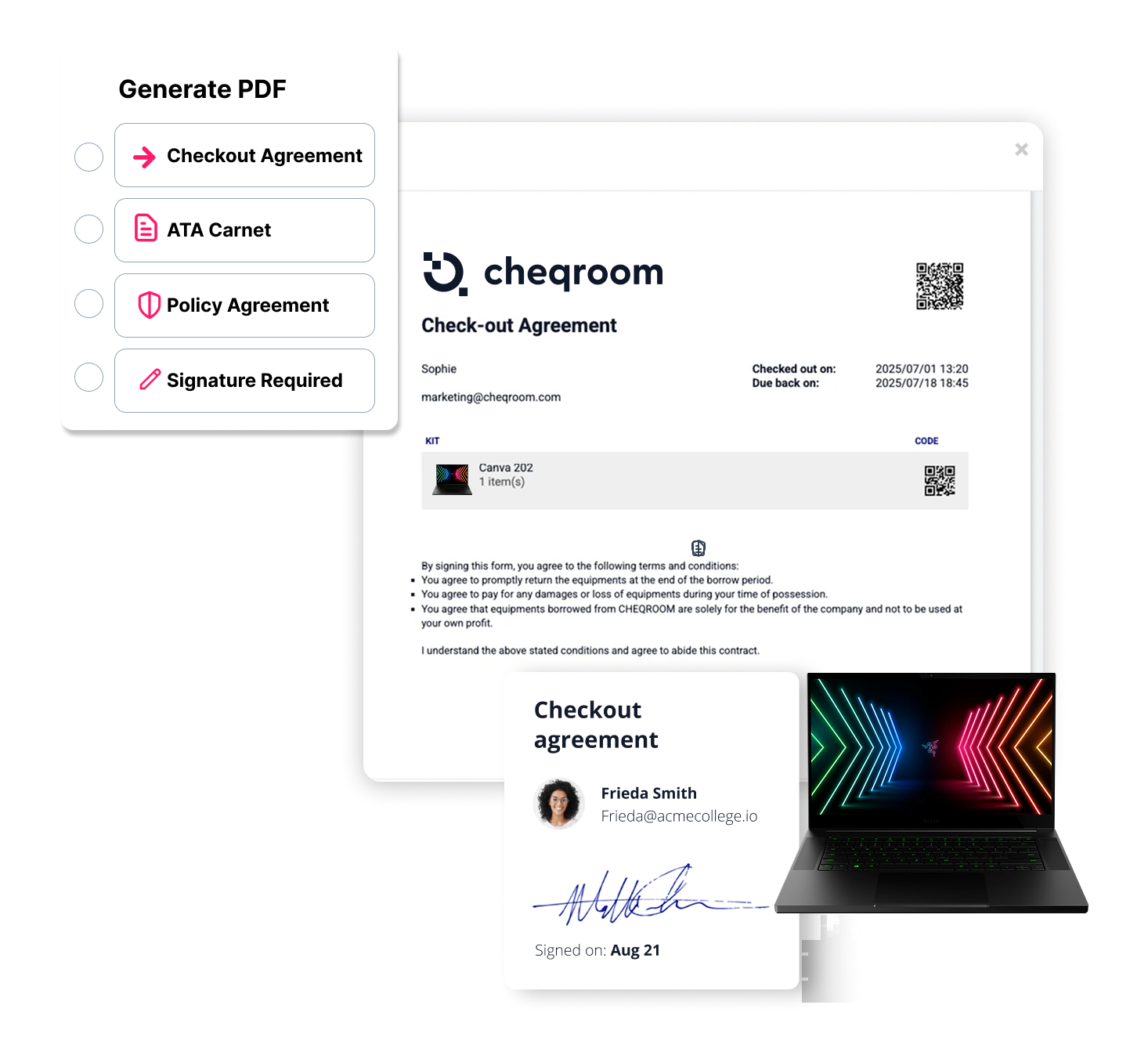
Also available: equipment loan agreements and ATA Carnet documents generated from reservation details, for gear that crosses borders.

Checkout agreement
Prepare - Checkout - Return

During the work: "Who has it, and when is it coming back?"

  • Prepare: Build equipment lists, bundle items into kits, and coordinate logistics before a field deployment, event, or project. If something isn’t available at pickup, swap it for a substitute without losing the rest of the reservation.
  • Check Out: Field teams scan gear out with the mobile app, wherever they are, with no trip to the desk. Condition is recorded at handoff, and you can see who has what at any time.
  • Return: Automatic due-date reminders keep gear coming back on time. Scan items back in, note their condition, and every check-out and return is saved to the item’s history.
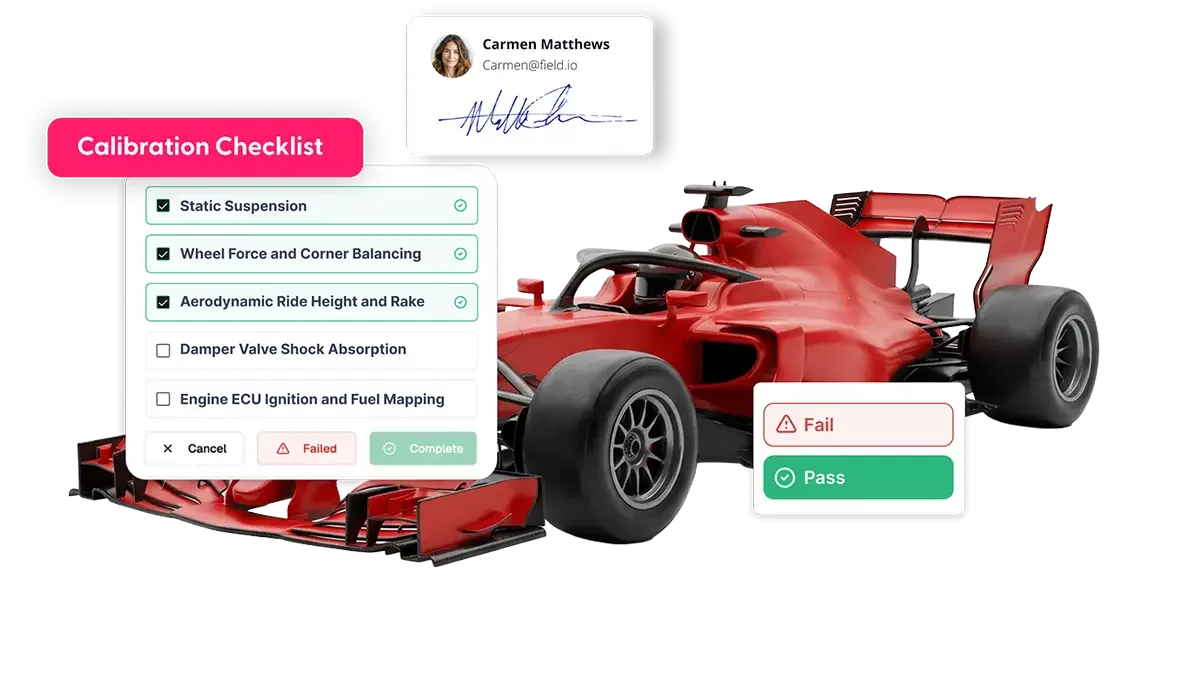
Asset Readiness and Calibration with Cheqroom
Inspect - Service - Ready

After the Work: “Is It Ready for the Next Job?”

  • Inspect: Run spotchecks by scanning barcodes or RFID tags to confirm everything is where it should be, and catch missing items before they become a problem.
  • Service: Flag damaged gear with a description and photos, so it’s marked unavailable and doesn’t go back out. Then schedule maintenance, assign repairs, and track every fix through completion.
  • Ready: Once it’s fixed and checked, the item goes back into circulation, with its full repair and usage history saved for the next person who books it.
Reports

Over time: "Are we spending our budget wisely?"

  • Get the full picture: See which items are overused, sitting idle, breaking repeatedly, or coming back late.
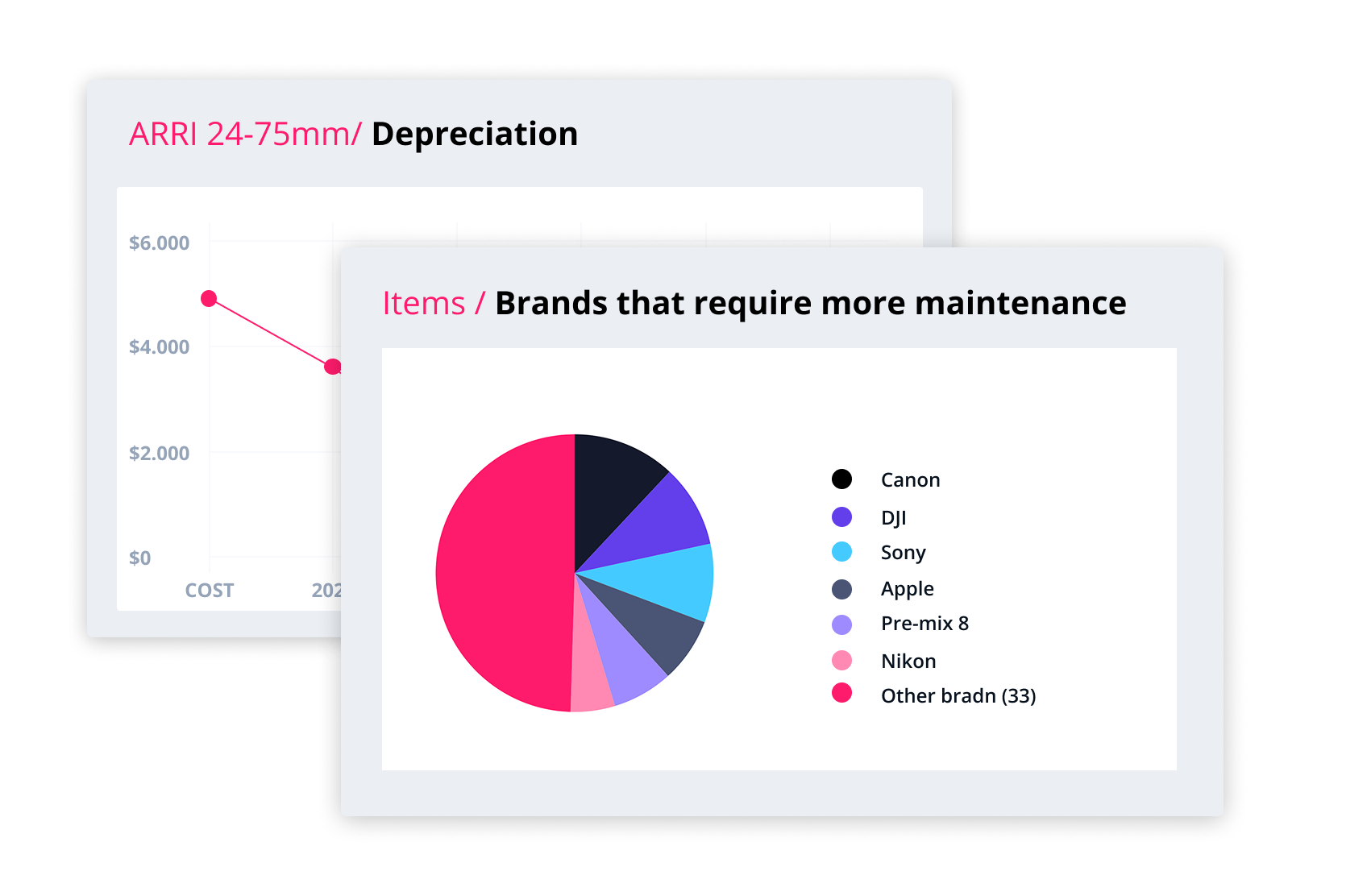
  • Make better purchasing decisions: Use utilization, cost-per-use, and depreciation reports to decide what to buy, repair, replace, or retire, based on real data instead of guesswork.

ONE PLATFORM, EVERY AREA

Every Asset, Every Workflow, One Operating System

Most teams juggle separate tools for maintenance, IT, facilities, and inventory. Cheqroom brings them together in one platform, with 14 solutions that work across every category your teams depend on.

EAM

  • Asset Procurement Management
  • Asset Compliance & Audit Management
  • Asset Disposal & Retirement Management

CMMS

  • Asset Maintenance Management
  • Asset Service & Repair Management
  • Asset Inspection Management
  • Asset Calibration Management

Work Order Management

  • Asset Event Management
  • Invoice Management
  • Asset Logistics & Shipping Management

Facilities Management

  • Asset Facilities Management

ITAM

  • IT Asset Management

Tracking

  • Equipment Management
  • Asset Scheduling

Build Your Operations Ecosystem

Connect Cheqroom to the Tools Your Teams Already Use

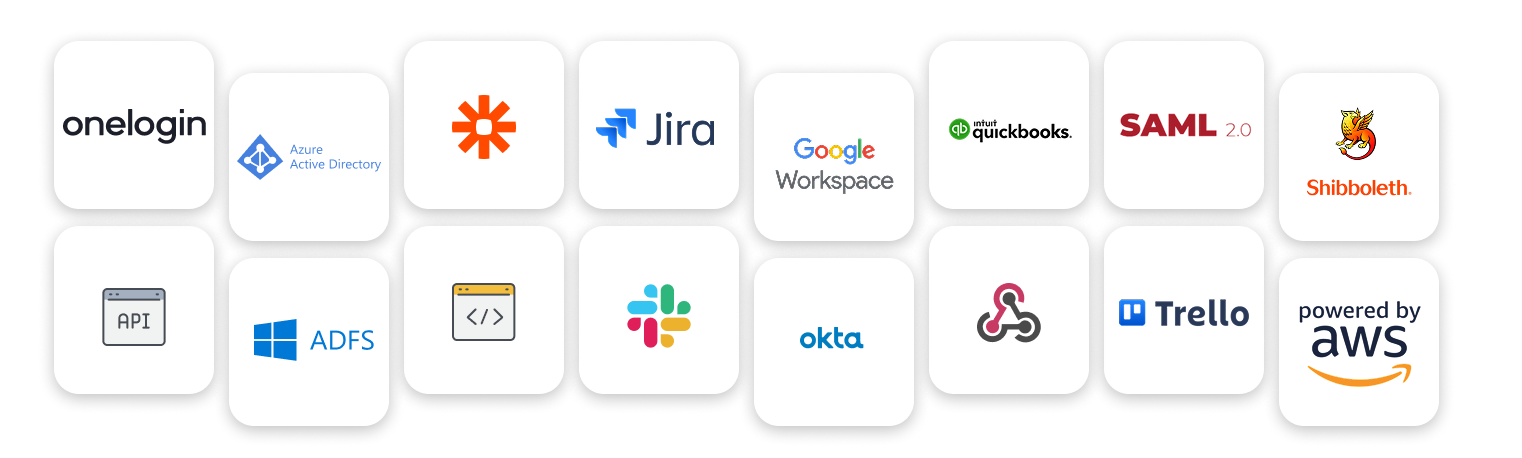
TL;DR Cheqroom works with Slack, Google, Outlook and Apple calendars, sign-in providers like Okta and Microsoft Entra ID, Zapier, and our open API, so your equipment data shows up where your team already works.

Cheqroom doesn't operate in a silo. Connect it to the tools your organization already uses and automate the work that shouldn't need a person.

Integrations 2

FAQs

  • An Asset Operations Platform is a solution for organizations that manage high-value physical assets across teams, locations, and workflows. It goes beyond equipment tracking to connect the full operational picture: shared gear, fixed infrastructure, facilities, and IT assets — all in one system, built around how work actually moves.

    With an asset operations platform, teams can plan and coordinate resources across projects and reservations, check equipment in and out with digital signatures, manage facilities and spaces, track fixed assets and IT infrastructure, submit and process work intake requests, and keep assets ready through preventive maintenance and compliance tracking. Finance and operations leaders gain real-time visibility into utilization, costs, and chain of custody — across every asset type and every location they manage.

    The result: less equipment loss, fewer project delays, lower downtime, and an operation where assets are always ready for the work that depends on them.

  • Spreadsheets are static lists that require constant manual updates. Cheqroom is a dynamic platform that provides real-time visibility, smart scheduling to prevent double bookings, and detailed historical records, all from your phone or desktop. It’s built to bring order to chaos, not just count items.

  • Yes — this is core to how Cheqroom works. You can create separate locations and workspaces within a single account, allowing each department, site, or campus to manage its own asset pool independently. When work crosses team boundaries — a shared resource, a cross-functional project, equipment that one team owns but another uses — Cheqroom handles that too. Assets can be shared and transferred across departments, with movement tracked in real time. Role-based permissions mean each team operates with the structure they need, while administrators retain a unified view across the entire organization. Every team gets autonomy. Leadership gets visibility. Nothing falls through the gaps between departments.

  • Cheqroom manages assets from procurement through retirement. At acquisition, assets are logged with invoices, warranties, and documentation attached from day one. During active use, real-time check-out and check-in workflows track who has what and when it's due back. Throughout the asset's life, maintenance scheduling, service requests, and repair history are captured and traceable. When an asset reaches end of life, it can be decommissioned with a full audit trail and compliance documentation. Every stage is connected in one platform without spreadsheets or gaps.

  • Cheqroom pricing is based on admins, the people who manage your inventory and run your equipment operations. Everyone else joins as a user at no extra cost. Every plan includes unlimited users and unlimited items, so your whole team can reserve, check out, and return equipment without adding to your bill. As your inventory or team grows, your price only changes if you add more admins.

  • Most asset tracking tools answer one question: where is it? Cheqroom's AssetOps approach also answers the questions that keep work moving: Is it available? Is it ready? Who's responsible for it? Instead of keeping a static inventory list, Cheqroom connects the people, equipment, spaces, and maintenance behind every job in one platform. Teams can reserve and check out gear, see who has what, flag and repair damaged items, and keep a full history across the asset lifecycle. It's also built for everyone who uses assets, not just the admin who owns the spreadsheet, so accountability doesn't depend on one person chasing updates.

  • Yes. Barcodes are optional in Cheqroom. You can add items, make reservations, and check equipment in and out by searching for items by name, category, or location in the web or mobile app. Barcodes and QR codes simply make it faster: scanning an item takes seconds, which helps a lot at busy checkout windows and during inventory counts. You can start without labels and add them later, or use RFID tags instead on plans that include RFID.

  • If your team shares equipment and keeps track of it in spreadsheets, emails, or someone's memory, Cheqroom is built for you, whether you manage cameras, laptops, tools, lab gear, or rooms. Teams in media, education, government, sports, healthcare, and more use it to stop double-bookings, see who has what, get alerts when gear is overdue, and flag broken items before they go back out. The fastest way to know for sure is to see it with your own setup. Book a demo, and we'll show you how it fits the way you work.

Ready to See How Cheqroom Works for Your Team?

Book a walkthrough today to see how Cheqroom helps you reserve, check out, track, maintain, and audit every asset your team depends on.