









Worship with Blur

Equipment Management Software for Churches and Houses of Worship

Know who has every mic, camera, and cable. No more last-minute scrambles, missing gear, or double-booked kits.

Every service starts on time. Every piece of gear accounted for

The Equipment Operations Platform Built For Worship Teams Managing Shared AV Gear, Volunteers, and Multiple Locations

When gear goes missing, kits show up incomplete, or two ministries book the same equipment — services suffer. Cheqroom gives your team one place to check gear in and out, schedule it by service, flag issues before Sunday, and always know where everything is.

Feature overview worship
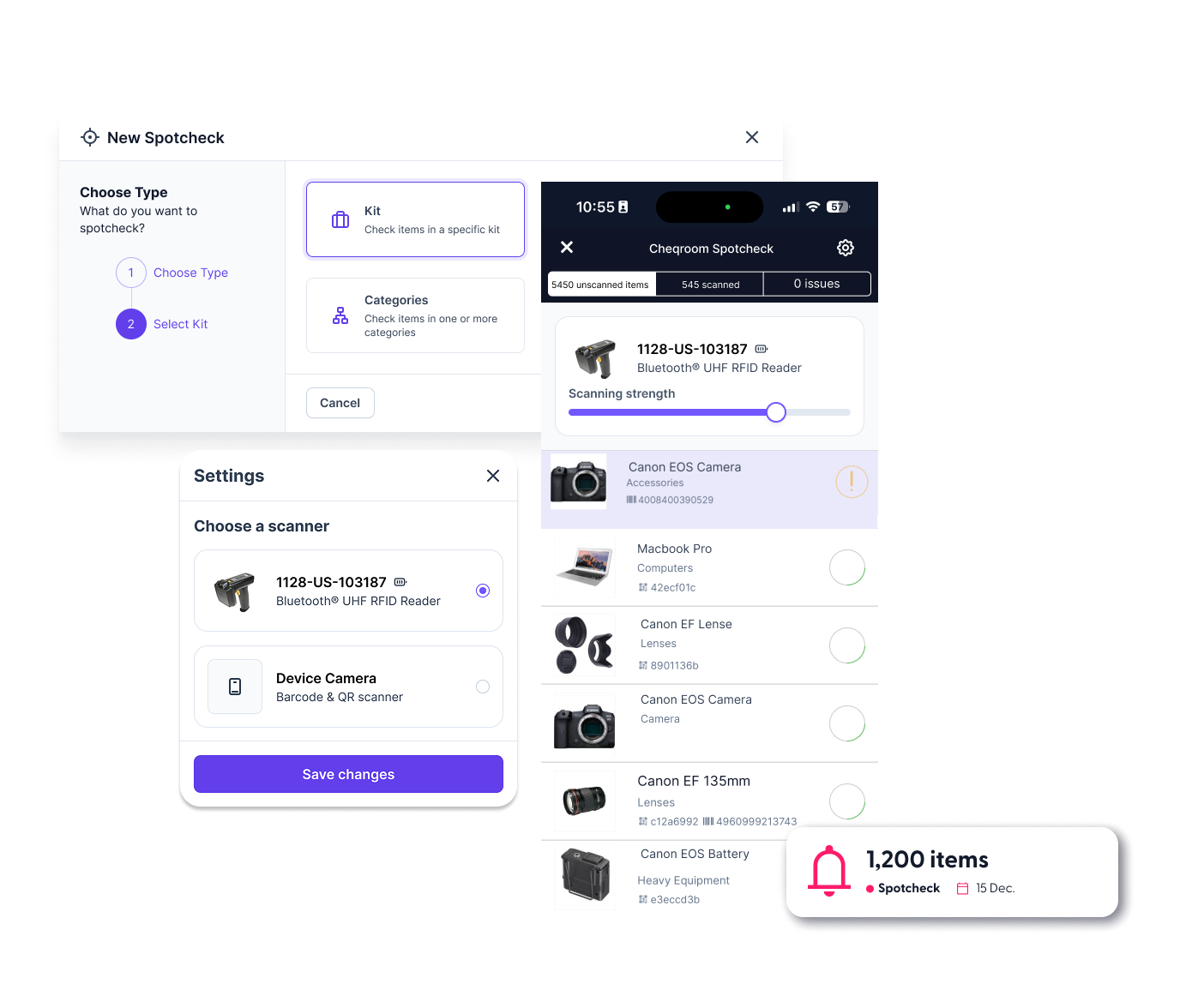
Spotchecks

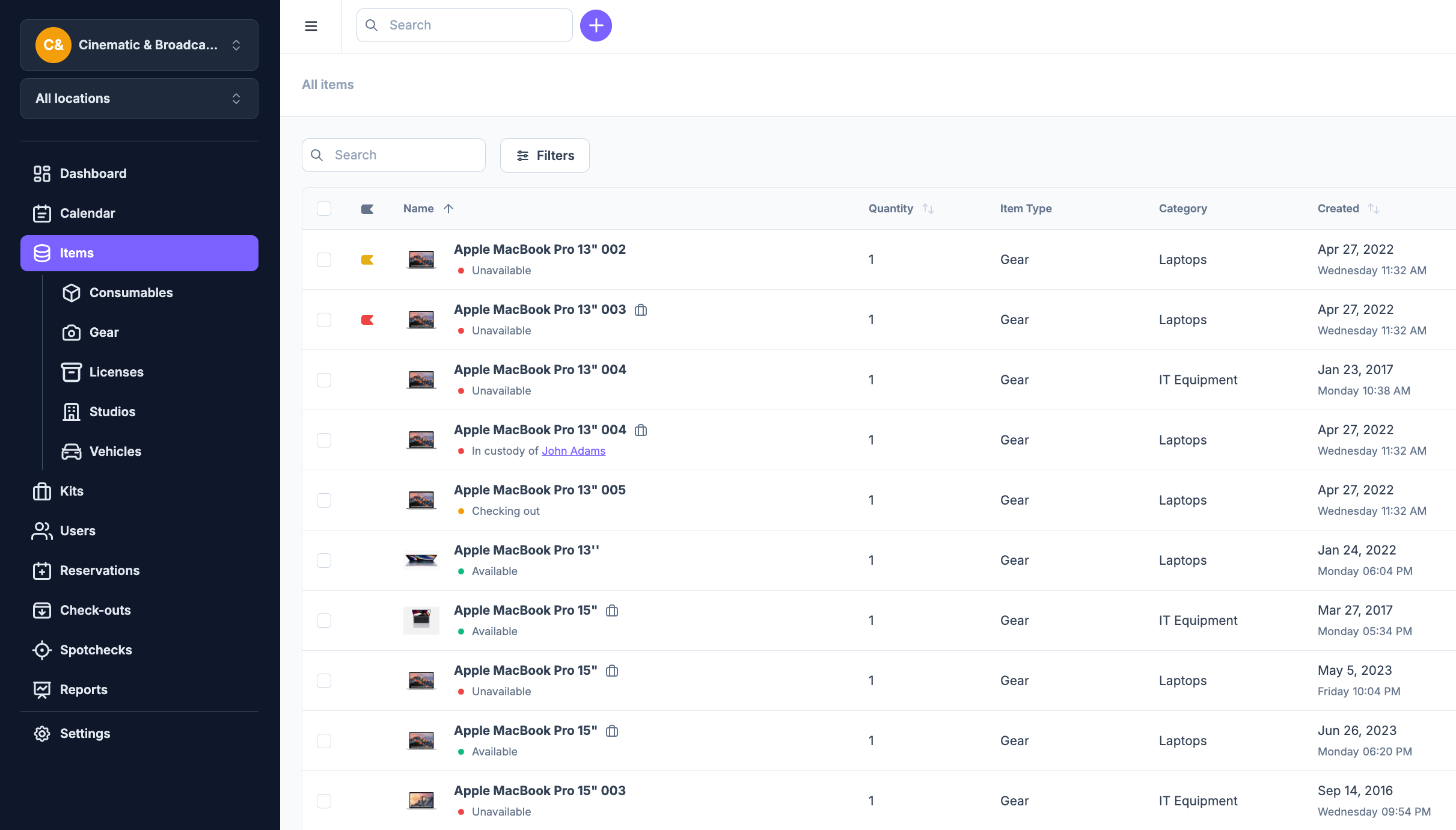
Church Equipment Check-Out Software With Real-Time Accountability

Know who has your microphones, cameras, and lighting kits—and follow up fast so gear is back in time for the next service.

  • Mobile barcode and QR scanning Volunteers and engineers scan gear in and out from their phone in seconds. Less manual logging, fewer data entry mistakes, and smoother pre-service handovers.
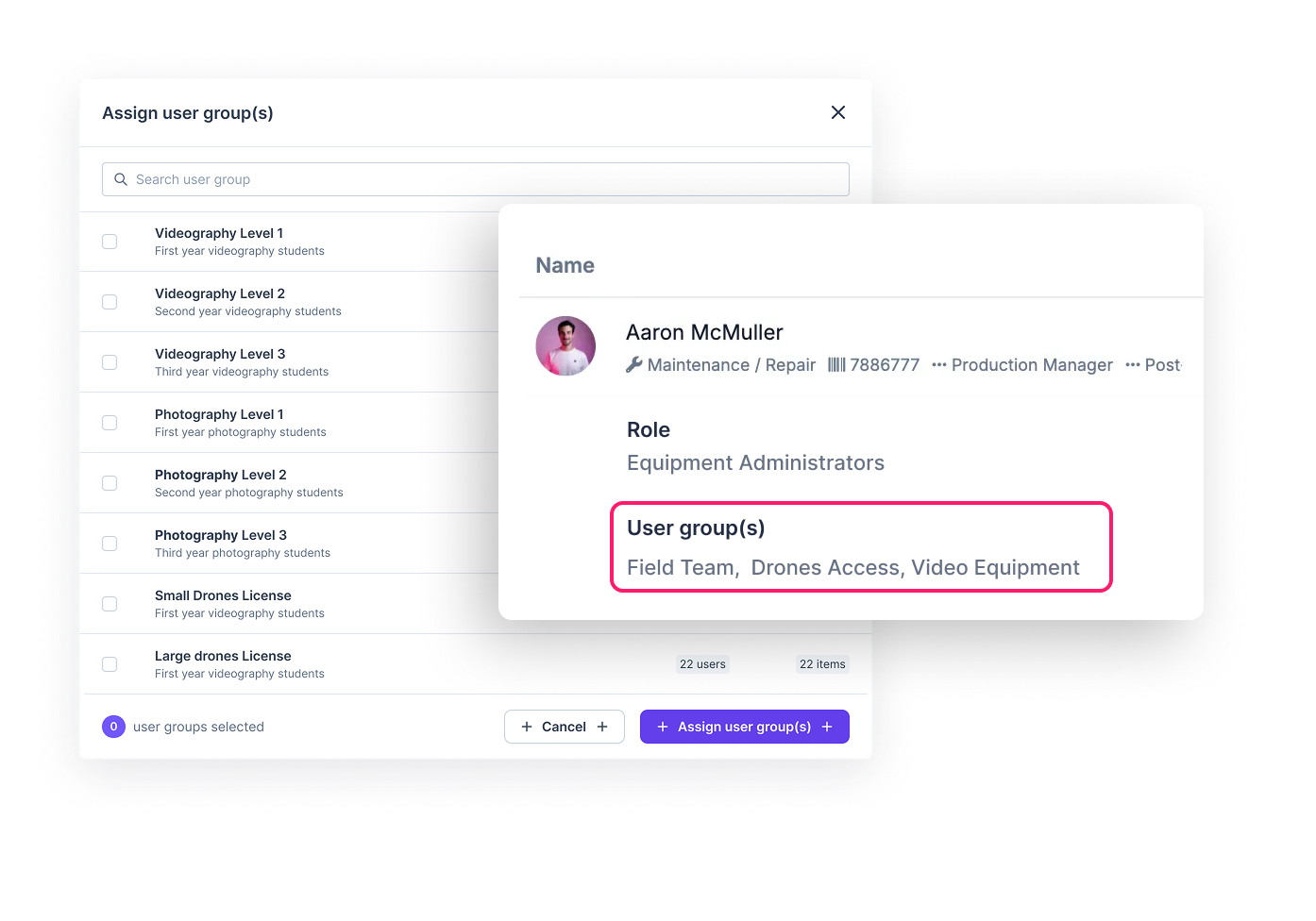
  • Role-based permissions Control who can reserve or check out high-value equipment based on role—from first-time volunteers to your technical director—so critical gear stays protected without slowing the team down.
  • Automated reminders & overdue notifications Get automated notifications for upcoming reservations and items that are due back or overdue—so returns stay on track and your gear pool is ready for the next service.
MAINTENANCE 1

AV Equipment Maintenance Scheduling

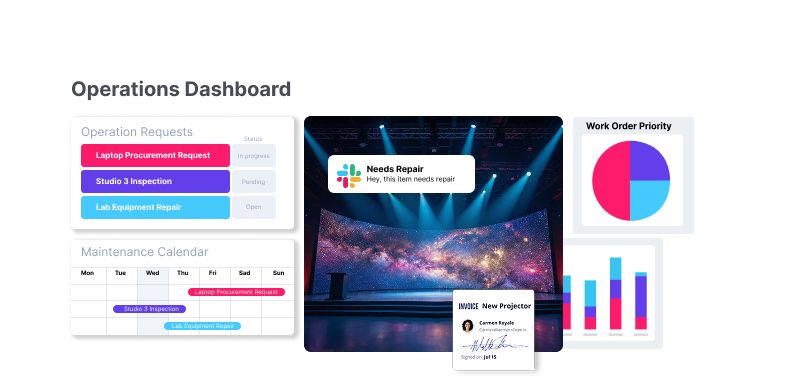
Keep every mic, camera, and production tool service‑ready before Sunday—so issues don’t surprise you mid‑service.

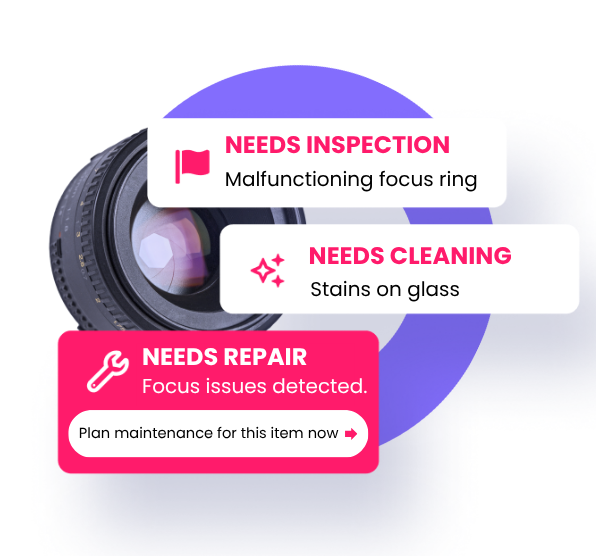
  • Preventative maintenance scheduling Schedule recurring maintenance by date—battery replacement, cable checks, cleaning, and inspections—so wear and tear is caught before it becomes a service‑day failure.
  • Out‑of‑service status Flag faulty gear on the spot and mark it out of service, so it’s clearly visible and far less likely to get booked for the next service.
  • Maintenance history log Track service history per asset—repairs, notes, and actions—so leadership has the clarity to fix, replace, or retire aging equipment.
Sony fx6 camera gps tracking history

Equipment Reservation And Scheduling Software For Multi-Site Churches

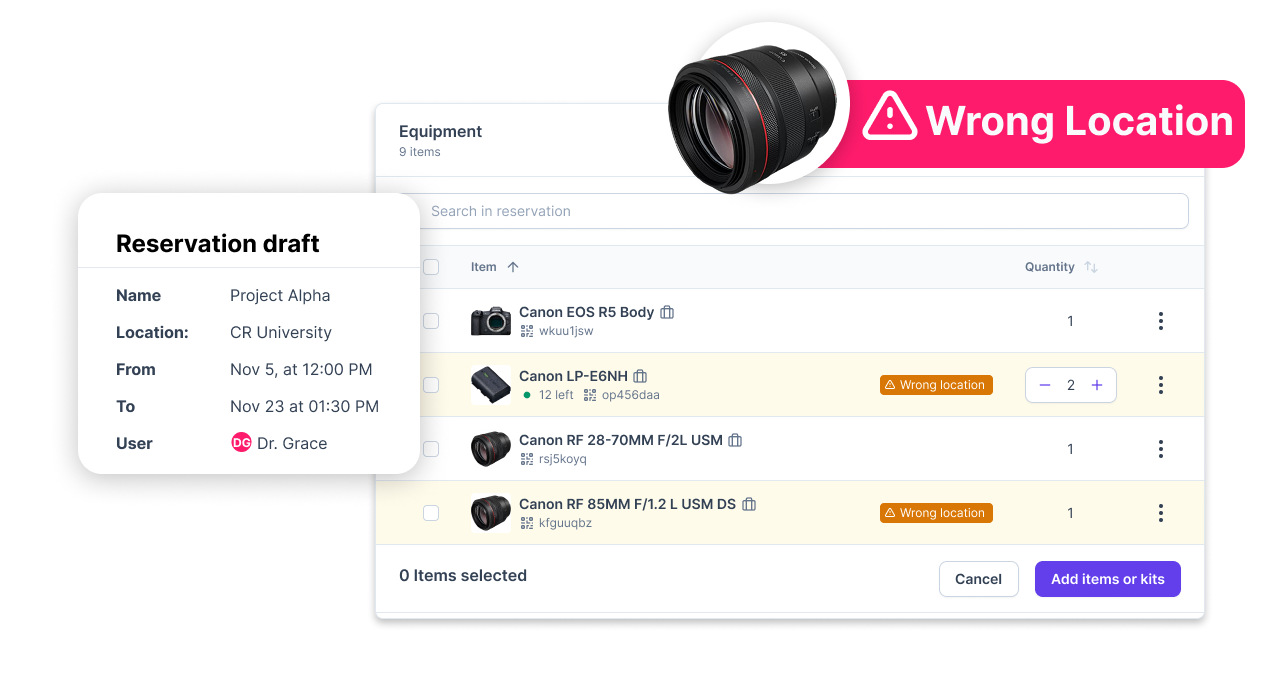
Avoid double bookings and scheduling conflicts—so the right gear is reserved for the right service.

  • Calendar view for scheduling See what’s reserved (and what’s checked out) across campuses and ministry teams. Coordinate production kits for major events with less back-and-forth.
  • Kit and bundle management Group cameras, cables, and accessories into named kits—Wireless Mic Kit, Livestream Kit, Camera Kit A—so teams can reserve what they need in one step and keep handoffs consistent.
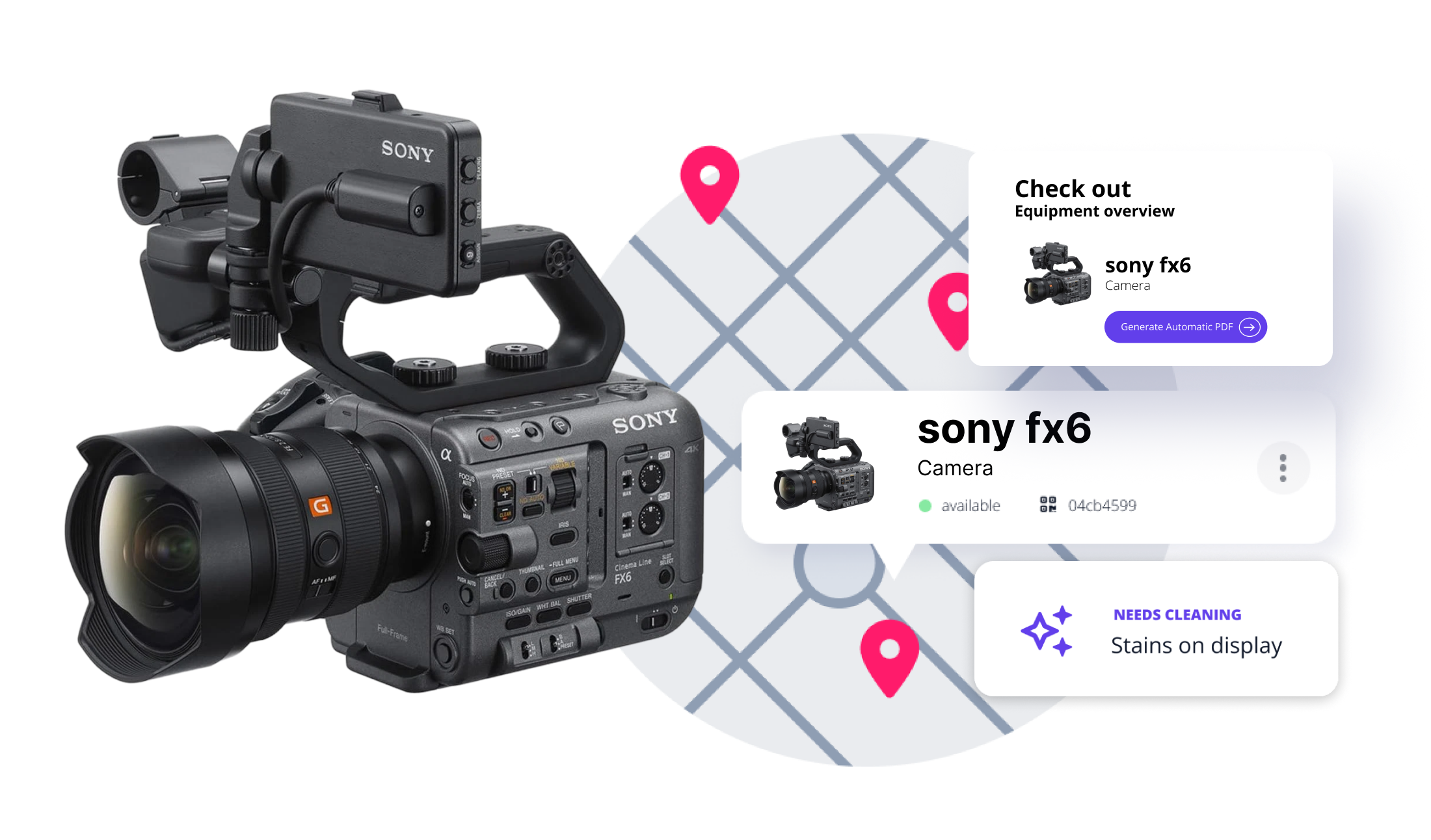
  • Multi-location tracking Define and track assets across every physical location your ministry operates—so multi-campus churches get one centralized view of gear availability.
Report 2

Equipment Utilization Reporting For Church Operations Leaders

Make smarter purchasing decisions and protect your ministry’s production budget with real data.

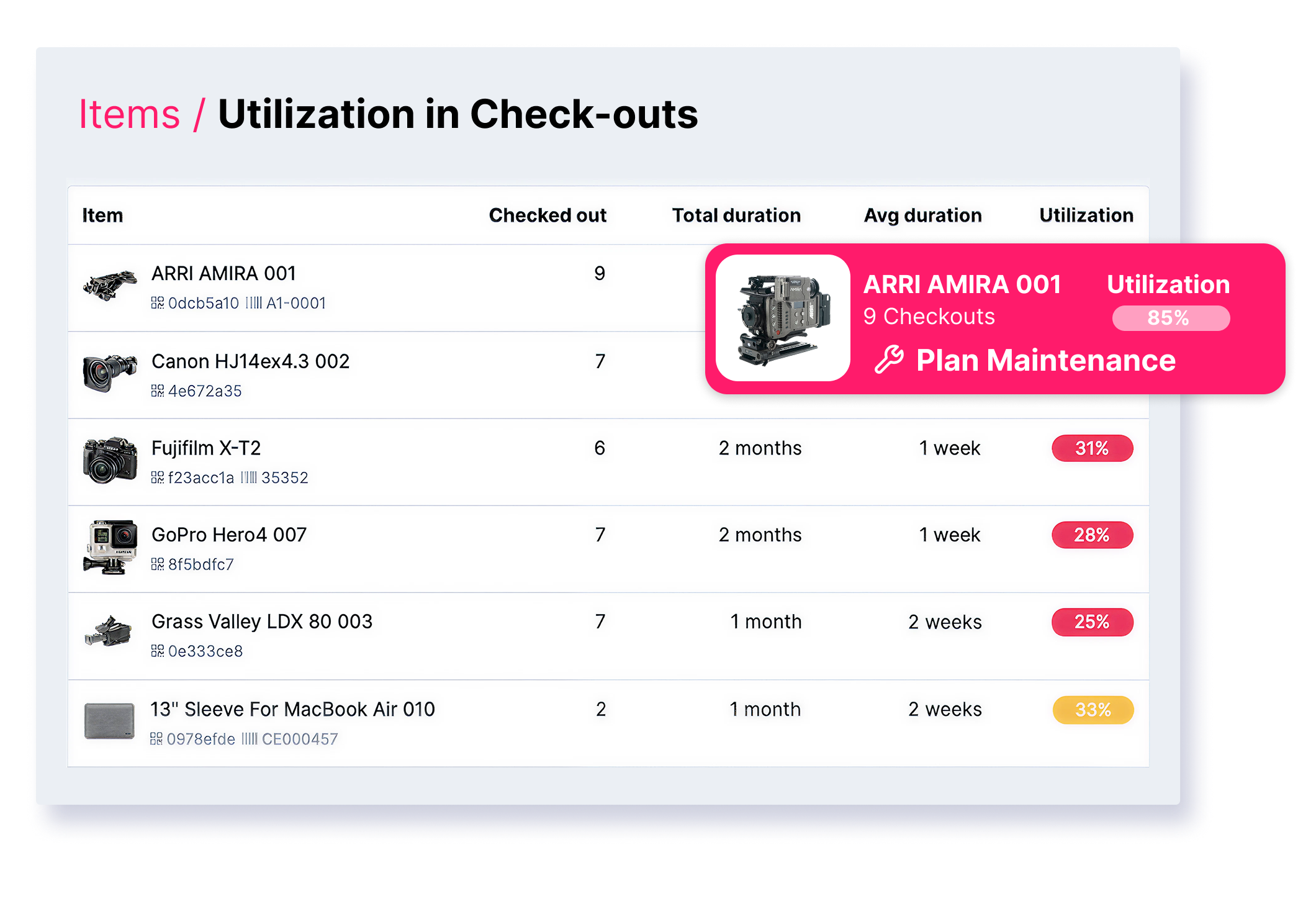
  • Utilization & usage reports See which assets are heavily used and which are sitting idle. Use real usage data to support purchasing decisions—and avoid buying gear that duplicates what you already have.
  • Loss and damage tracking Spot patterns in equipment loss or frequent repairs early. Focus accountability where it matters, reduce avoidable replacements, and keep more budget available for ministry priorities.

Cheqroom Works For Every Role In Your Worship Production Team

Technical Director & Production Lead

Full visibility across every service and location. Coordinate gear across ministries and eliminate last-minute "who has it?" calls before rehearsal starts.

Equipment & Operations Manager

One source of truth for your entire inventory. See assignment history, run spot-checks, and stay on top of maintenance — without a single spreadsheet.

Audio, Video & Lighting Engineers

Check out the right wireless pack, camera kit, or lighting rig in seconds. Clear accountability for every item — so nothing goes missing between services.

Volunteers & Team Leads

A simple mobile check-in/out anyone can follow on the first try. A repeatable workflow that keeps gear coming back — no system training required.

How Bellview Baptist Church Eliminated double Bookings and Brought Order to Their Gear Room

Bellview's production team didn't know how much equipment they owned — gear was scattered across closets, stairwells, and corners. With a growing team all reaching for the same high-demand cameras and lights, conflicts were constant. Cheqroom gave them a single, searchable inventory, mobile check-outs, and a reservation system that ended the chaos for good.

ROI That Protects Your Worship Production Budget

45% Reduction in Annual Equipment Loss

Clear accountability deters loss and damage.

50% Faster Prep Time

Teams spend less time searching and more time creating.

99% Service Uptime

Proactive maintenance and guaranteed gear availability eliminate failures.

Your Gear Is Ready. Your Team Is Aligned. Your Service Starts On Time.

Cheqroom gives your worship team complete control over every mic, camera, and production kit — so you can focus on ministry, not logistics.

FAQ's

  • The best equipment management software for churches gives worship teams real-time visibility into shared AV gear, volunteer check-outs, and scheduling across campuses in one platform. Cheqroom supports houses of worship that manage everything from wireless mic kits and camera gear to livestream equipment, with mobile scanning, role-based permissions, and automated reminders for due and overdue items.⁠

  • Many churches start with spreadsheets or shared calendars, but those systems break down when multiple ministry teams, volunteers, and locations share gear. Equipment tracking software like Cheqroom helps teams check gear in and out with mobile scanning, reserve kits in advance for services and events, and keep clear accountability for what’s out, what’s available, and who has it.

  • Equipment loss is often caused by unclear handoffs and missing accountability—gear leaves with a volunteer and doesn’t get formally returned. A structured check-in/check-out workflow with mobile scanning, clear ownership records, and automated overdue notifications helps reduce shrinkage and keep gear circulating. With real-time asset visibility, loss can be reduced by up to 25%.⁠

  • Yes. Cheqroom supports multi-location organizations by helping teams define and manage assets across physical locations or sites in a centralized platform. This makes it easier to coordinate reservations, checkouts, and availability across ministry teams while maintaining oversight and accountability across the organization.

  • Shared AV equipment—projectors, wireless mics, cameras, and lighting—can create conflict when multiple ministry teams need the same gear. A shared equipment platform like Cheqroom helps teams reserve specific items or kits in advance, view availability, and coordinate handoffs more cleanly—reducing “I thought it was available” surprises before services

  • It doesn’t have to be. Cheqroom is designed for teams with a mix of experience levels, including volunteers. Volunteers can check gear in and out using mobile scanning, while admins and team leads manage permissions, reservations, and oversight—so the workflow can scale from a first-time helper to a technical director.

  • Setup time depends on the size of your inventory, how many locations you manage, and how structured your current process is. Many teams can get started quickly with a basic inventory and simple workflows, then expand into more advanced processes (like kits, permissions, and maintenance) as they roll it out to more volunteers and ministries.

  • Worship production teams often track wireless microphone systems and IEMs, cameras, lighting, audio consoles, projectors/displays, livestream gear, and accessories like stands, adapters, and batteries. Cheqroom supports tracking individual items as well as grouping items into kits—so a “Livestream Kit” or “Wireless Mic Kit” can be reserved and managed more easily as a complete setup.⁠